


When Fishing in Fresh Water
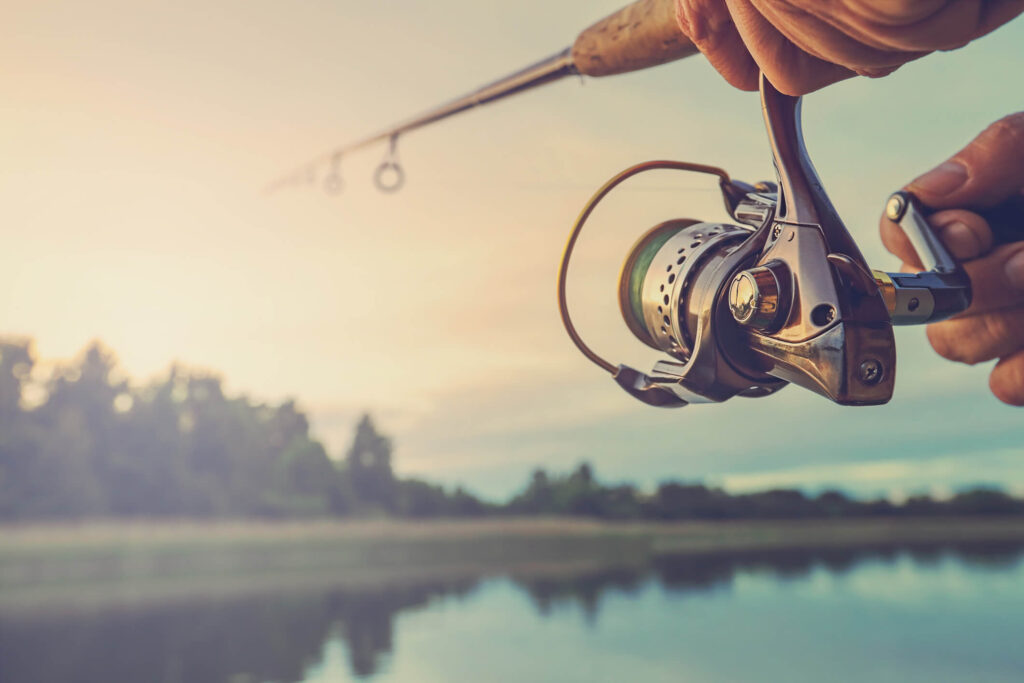
With millions of people fishing every year, it is a good way for you to spend outside time with your family or your friends. Whether you are revisiting something that you have not done for a long time, or you are looking to go fishing for the first time, do not be overwhelmed because here are the tips that you can use so that you can get started:
Make a Checklist
Before you go out and catch your first fish, remember that there are things that you need to secure first. The most important are the documents. You want to make sure that you have a state fishing license depending on your age. Obviously, you will need a rod and a reel. You will need a 4 to 12-pound test monofilament line. Fishing weights, hooks (sizes 6 to 10), a bobber, and a selection of live bait. For the bait, you can find these in sporting goods stores.
Make a Knot
There are different knots that you can use for fishing. The most common one is called the improved clinch knot. Pass the line through the hook eye and with the tag end, go five turns around the standing line. After that, insert the loose end of the line between the first loop formed and the eye. After, bring the tag end and allow it to go through the second loop formed. Finally, wet the line and tighten the knot, and make sure to do it slowly.
Hook, Line, and Sinker
Now that you are done with the knot, it is time to set up your rod with a hook, line, and sinker. The first step is to tie on a fish hook. Make sure to attach 1 or 2 sinkers, and the gap should be 6 to 12 inches above the hook. This way, the weight will keep your bait down and lure more fish, and at the same time, also help swing it away from the shore. A bobber will also let you know that the fish are biting your lure because it will move up and down in the water as the fish is nibbling at the bait. Most of the time, bobbers attach to the line using a spring clip and will move up and down the line easily, but this is depending on how deep you want to fish the bait.
If you are excited to go on your first fishing trip, book one with Book Now Adventures. We are based in Cabo San Lucas, B.C.S and you can call us at +1 909-328-0889.